
Digital Photo Frame Overlays for Instagram - Pack 1

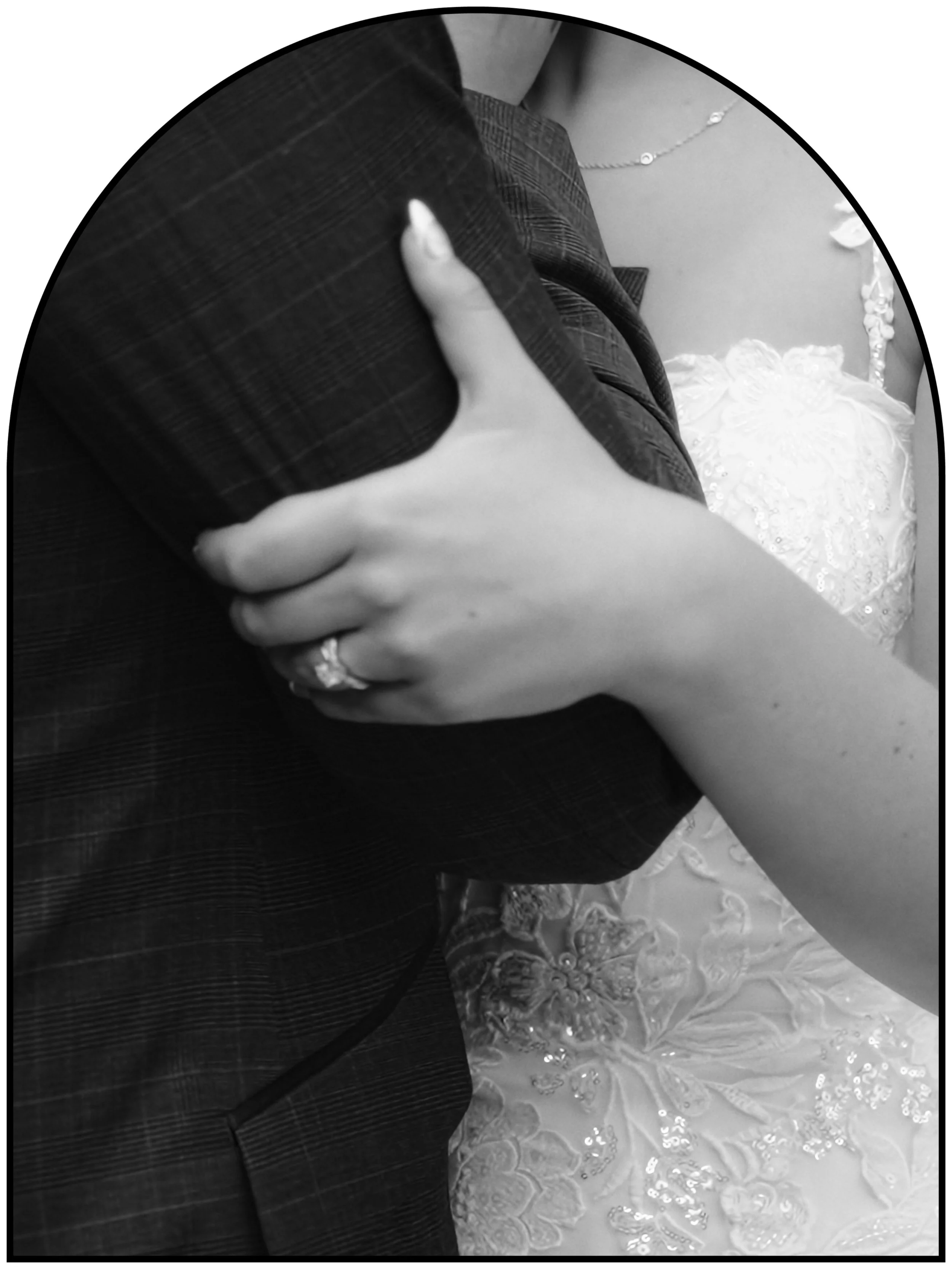
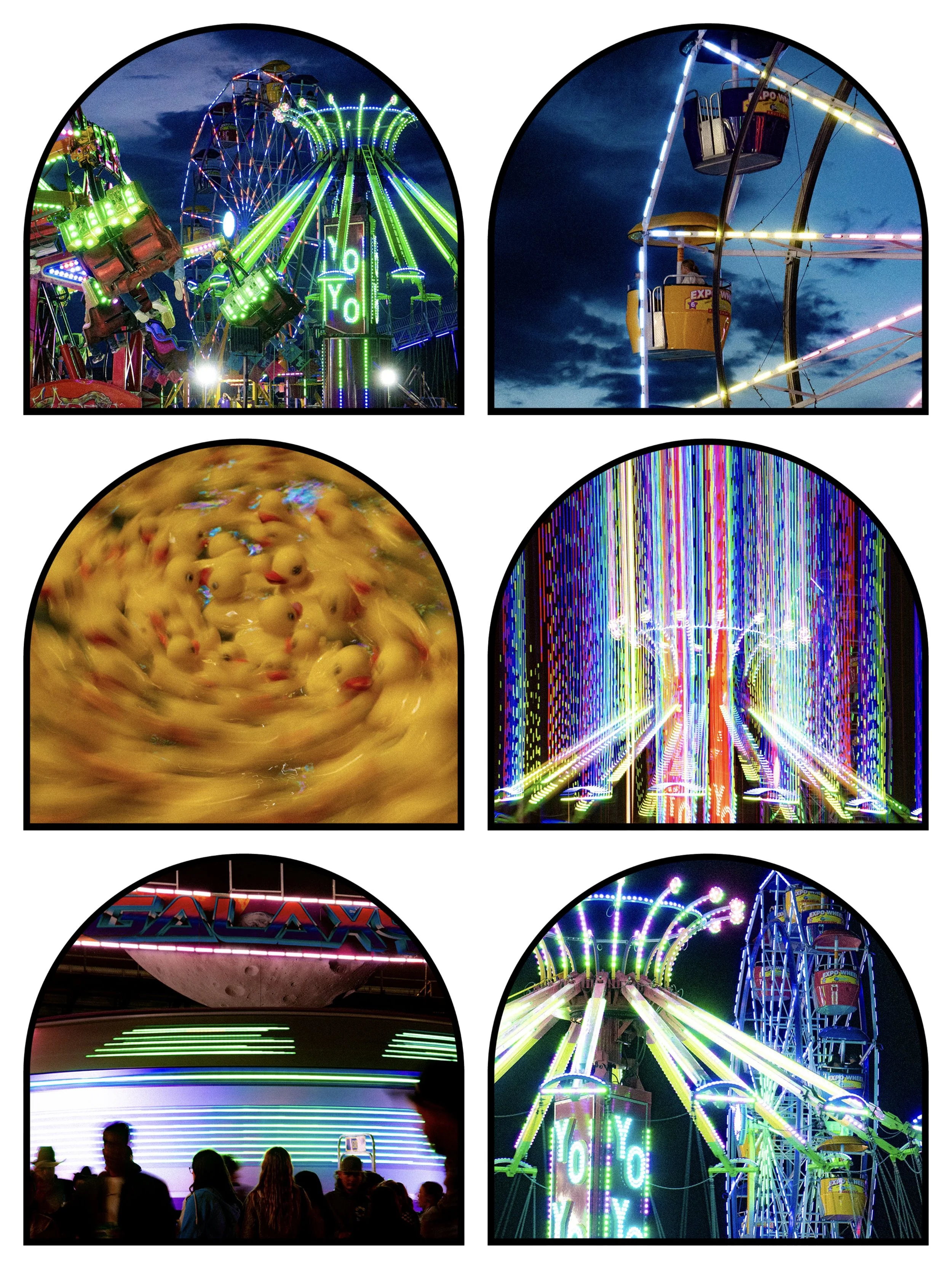
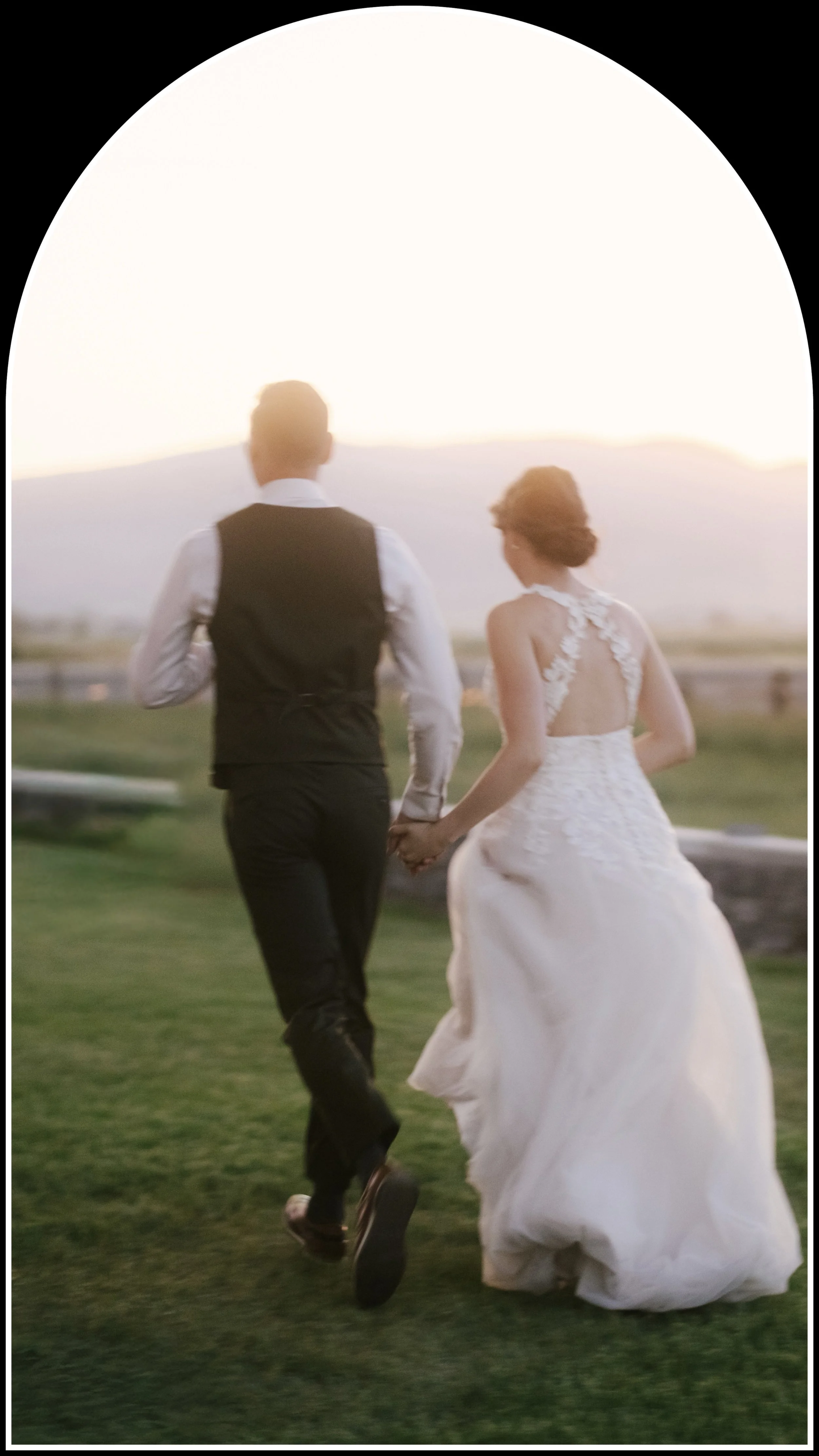
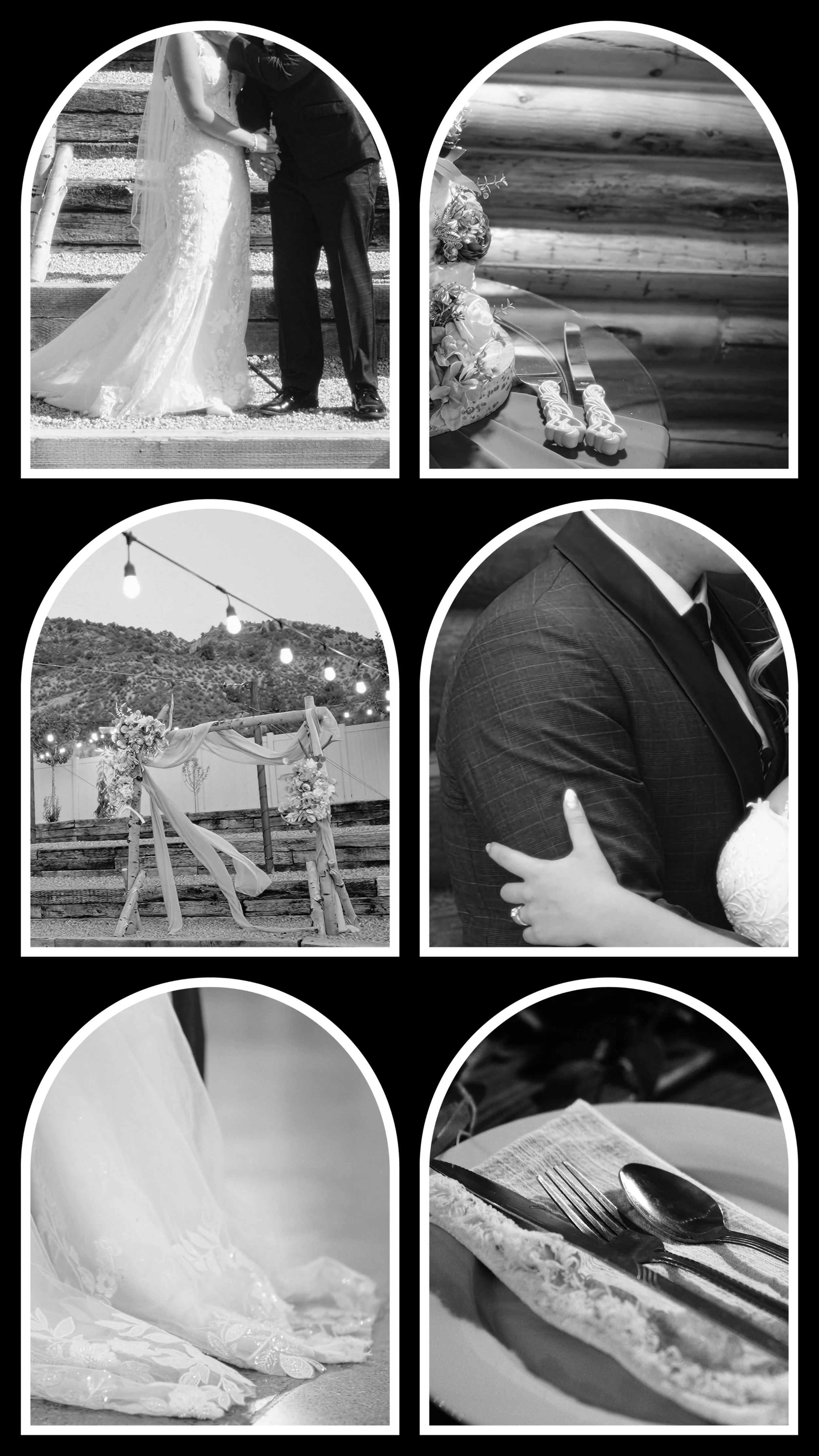
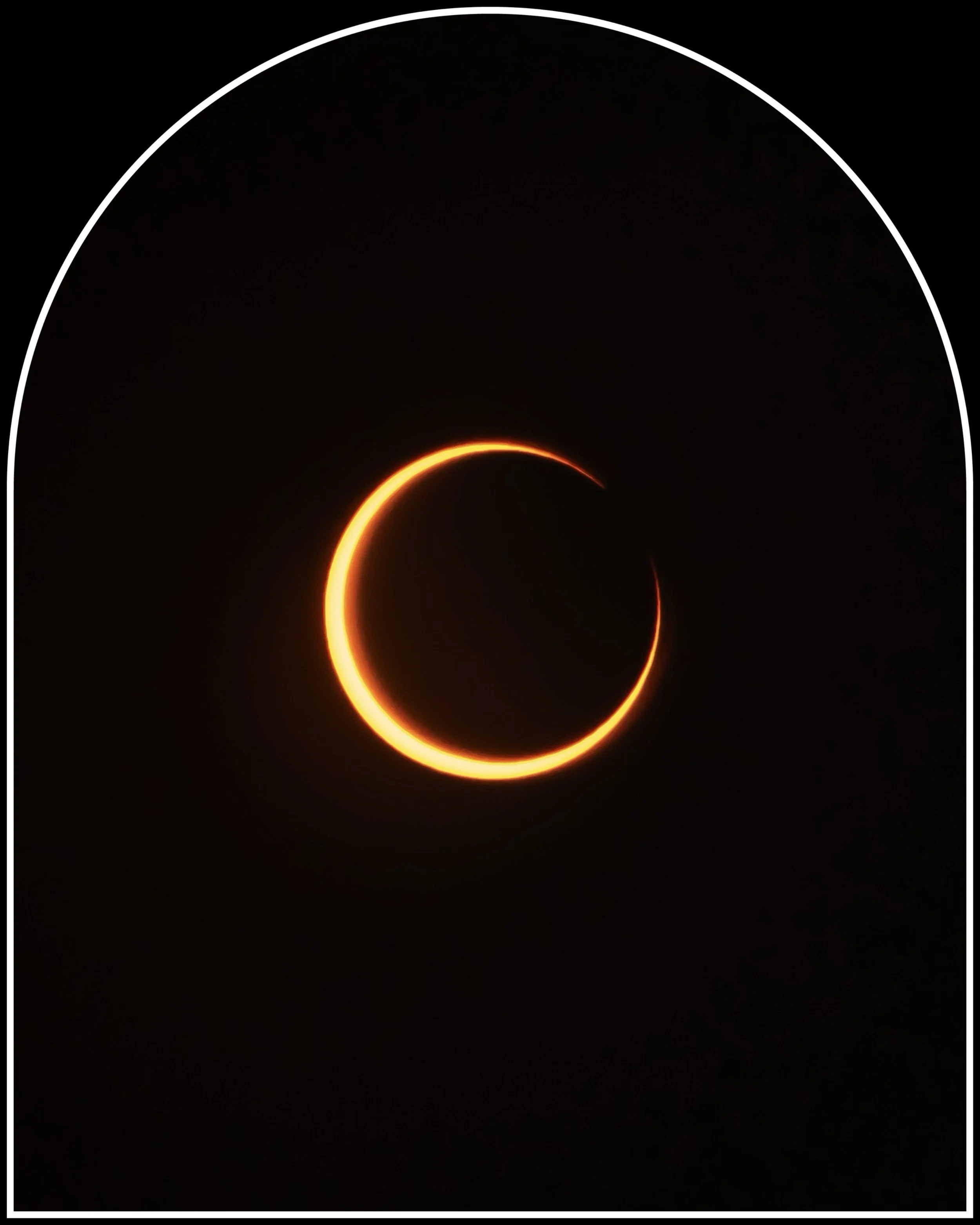


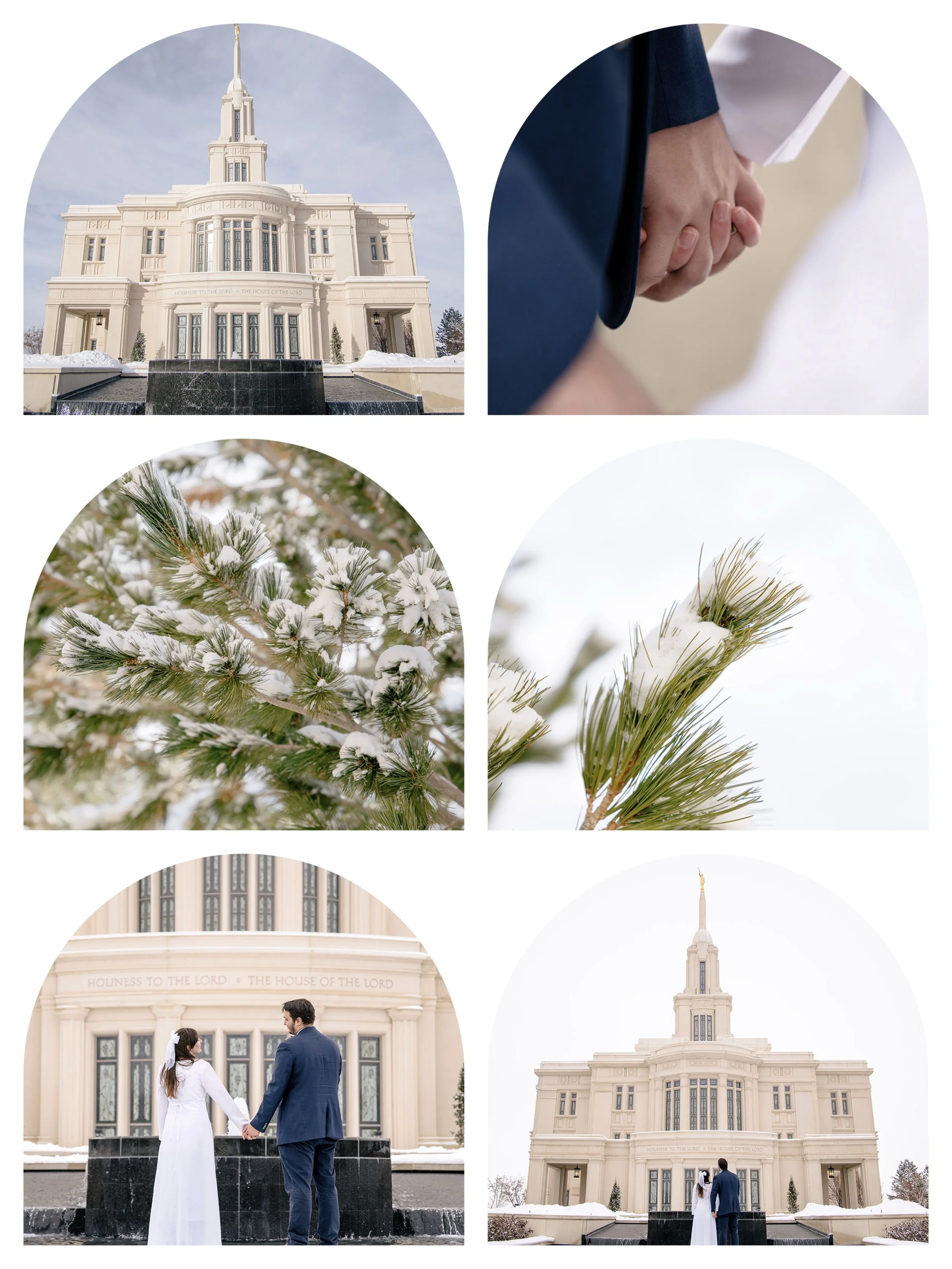
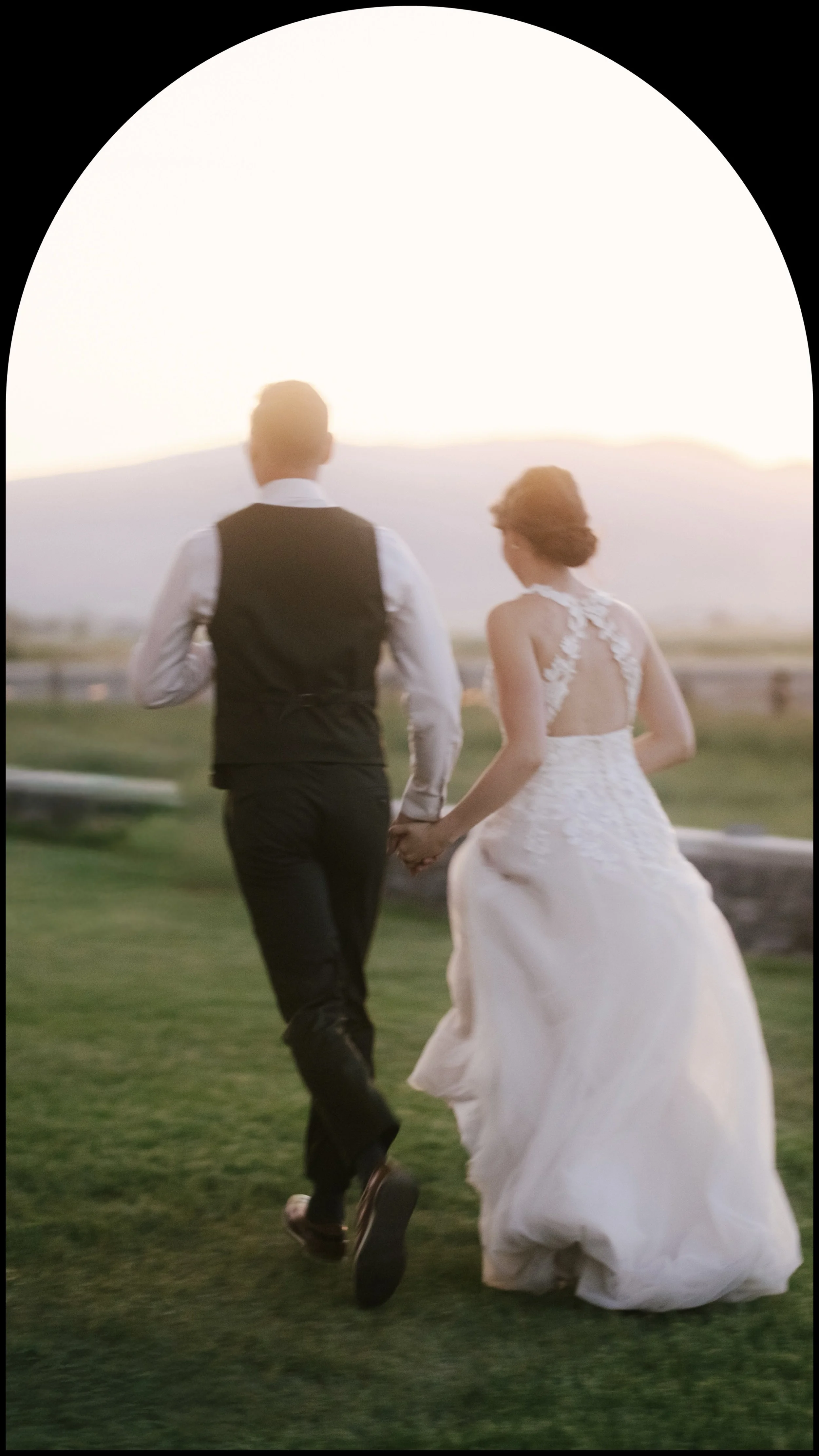
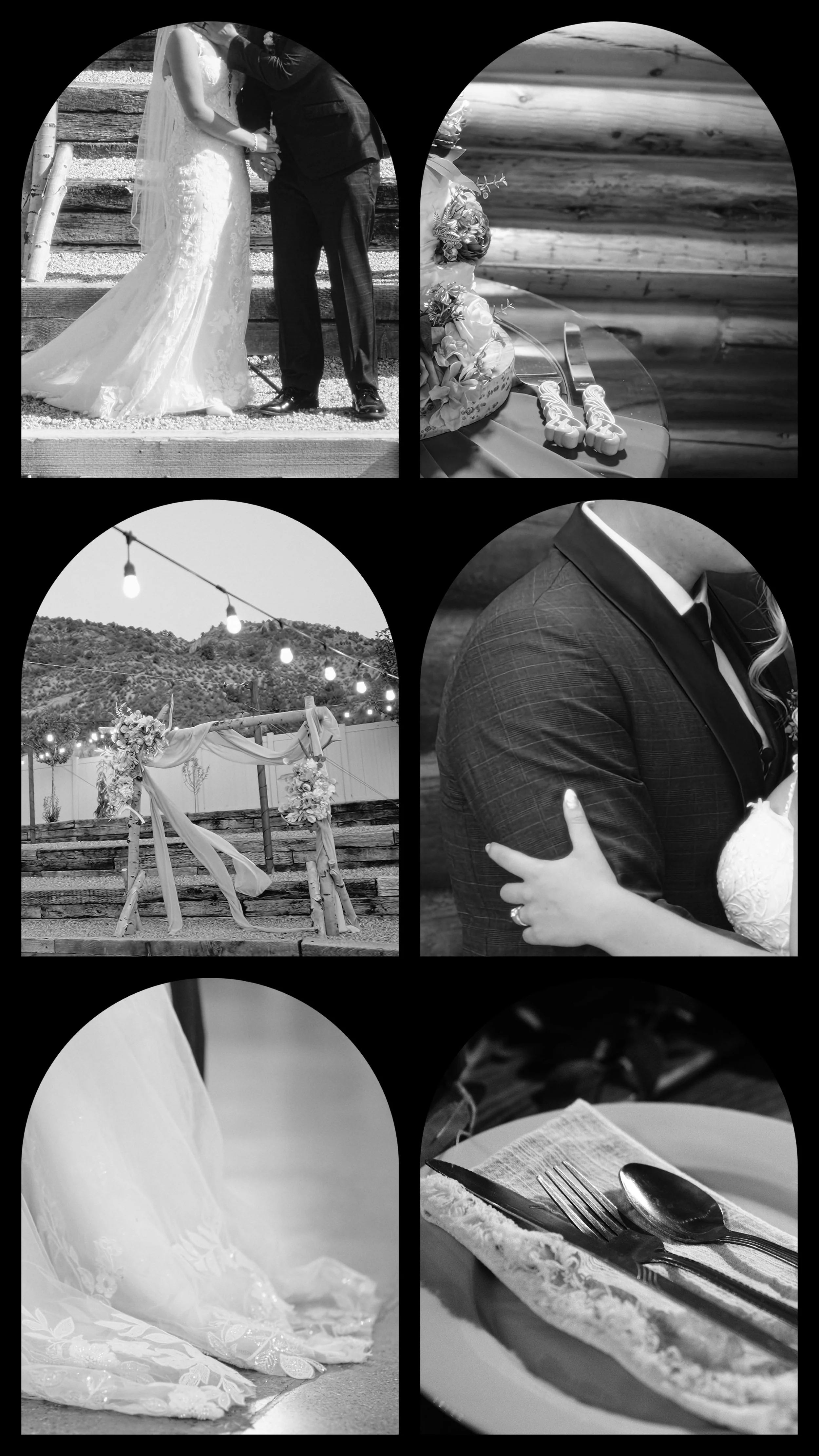


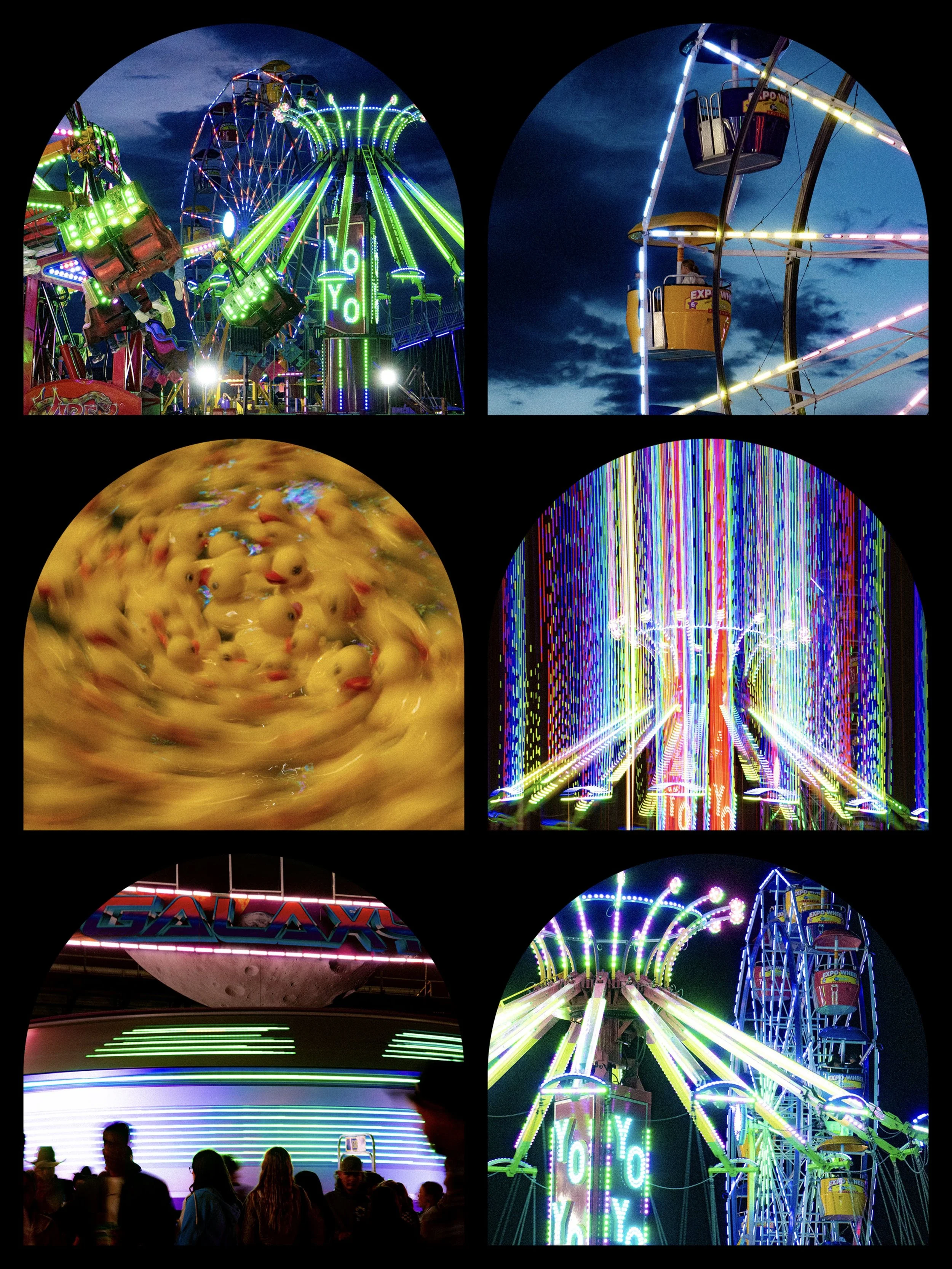

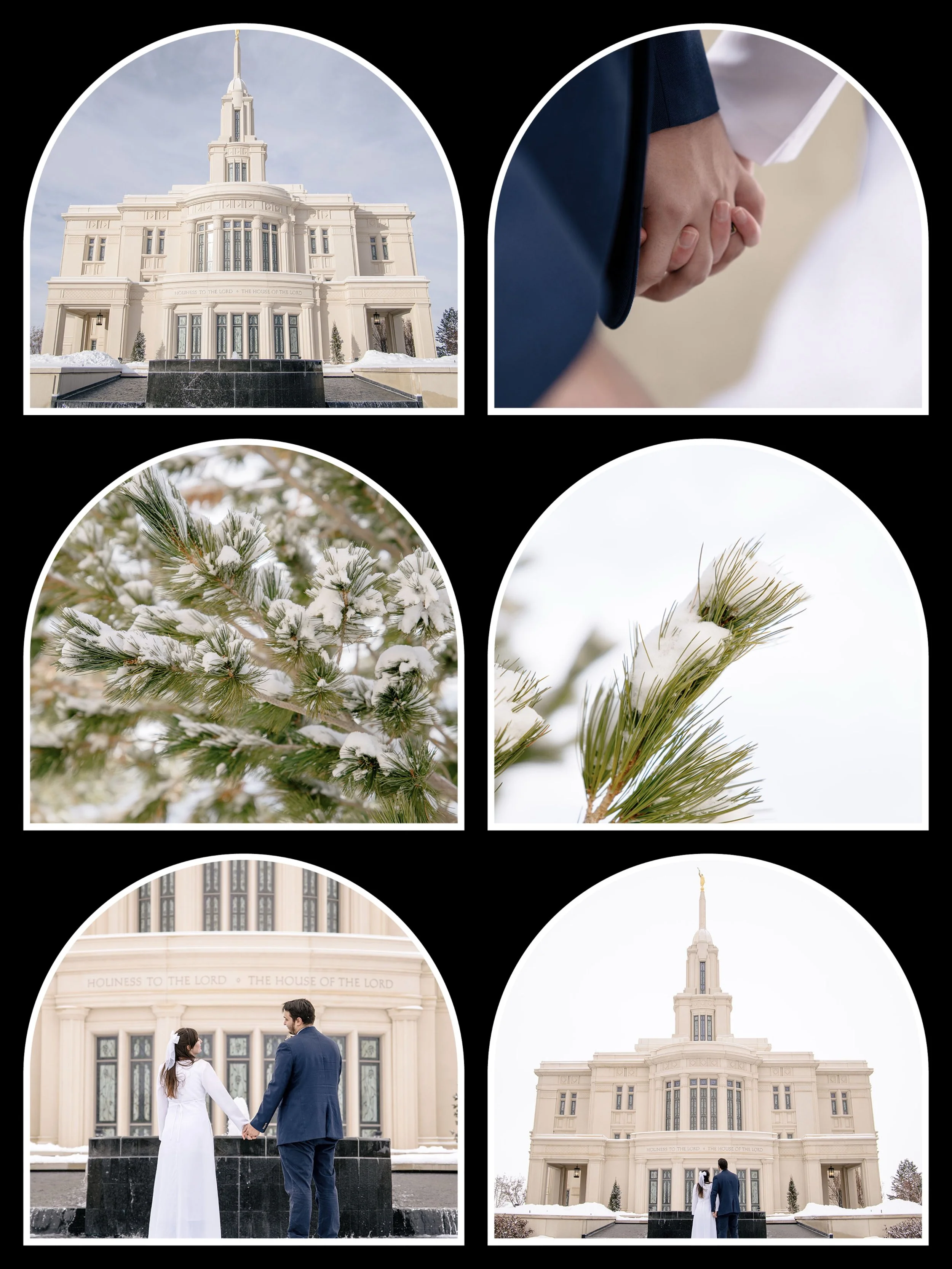
Digital Photo Frame Overlays for Instagram - Pack 1
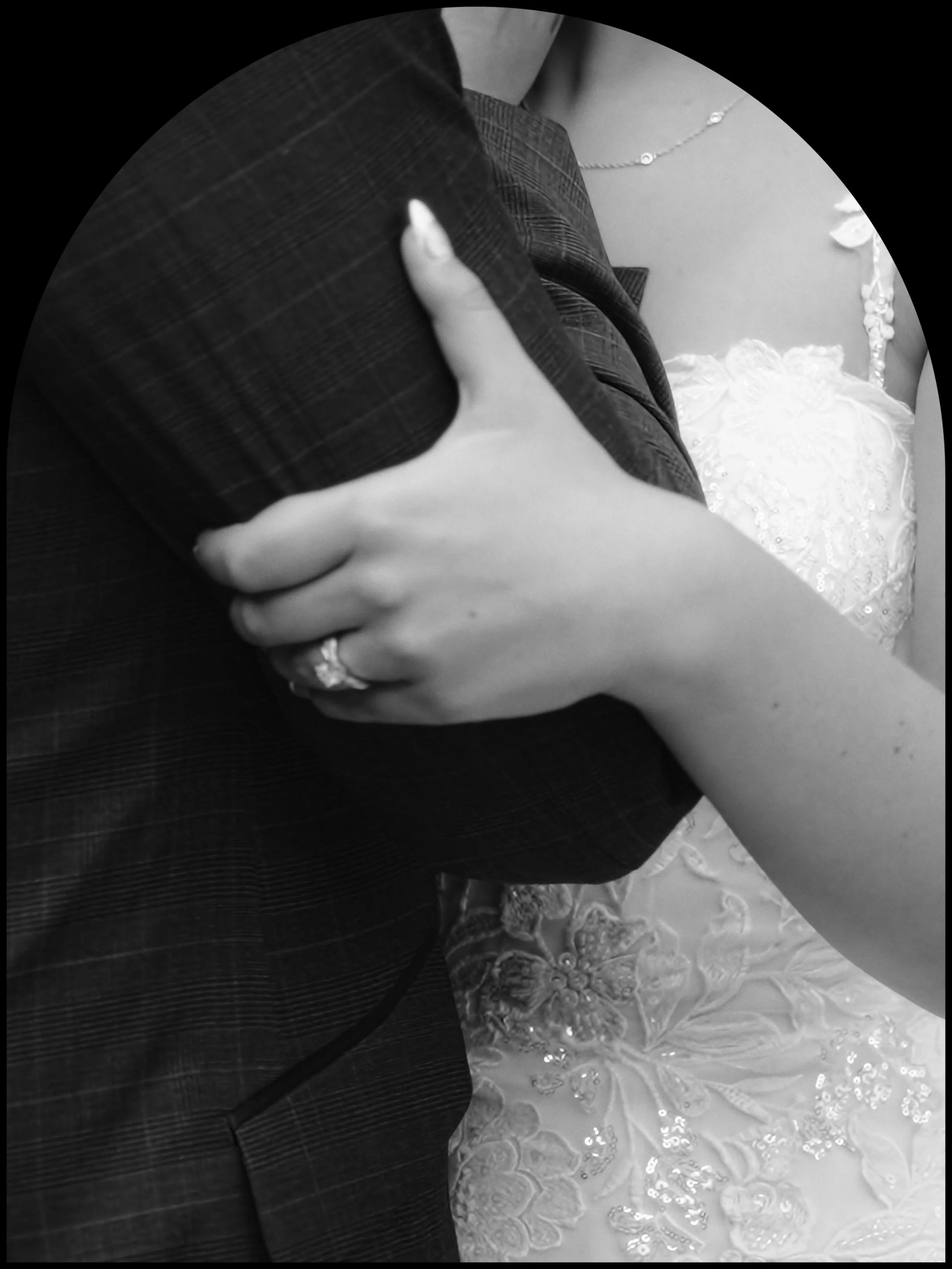
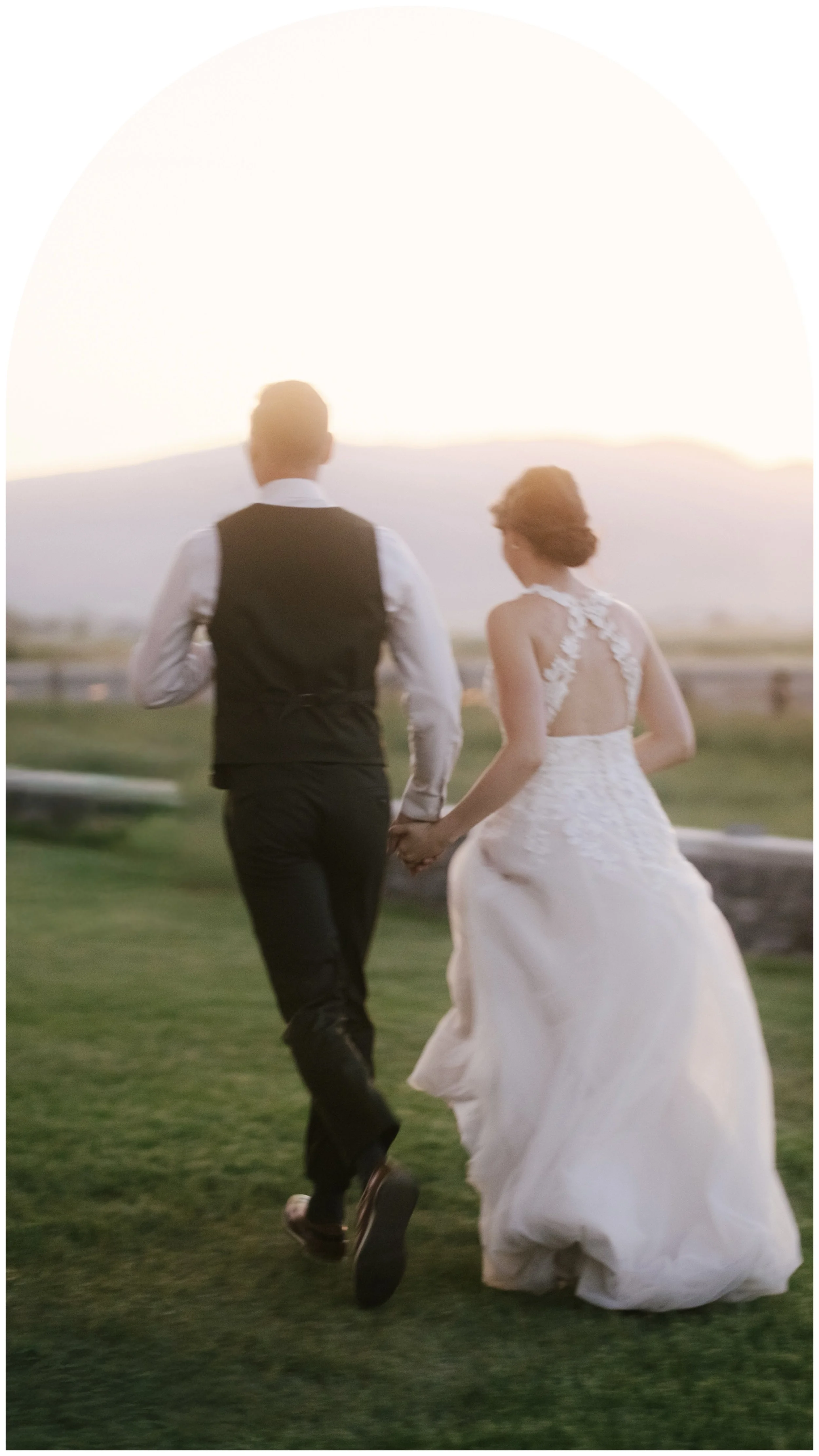
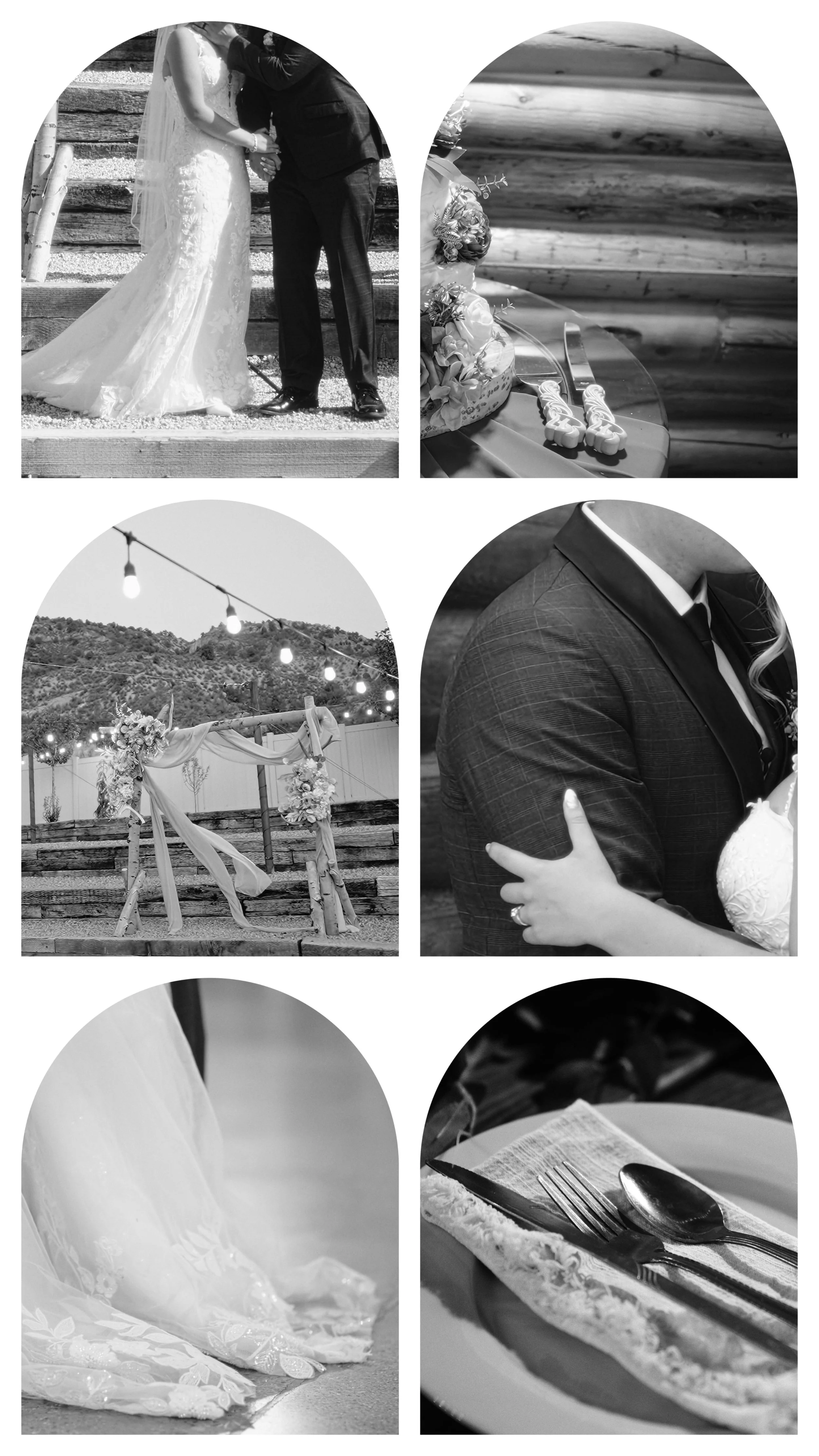
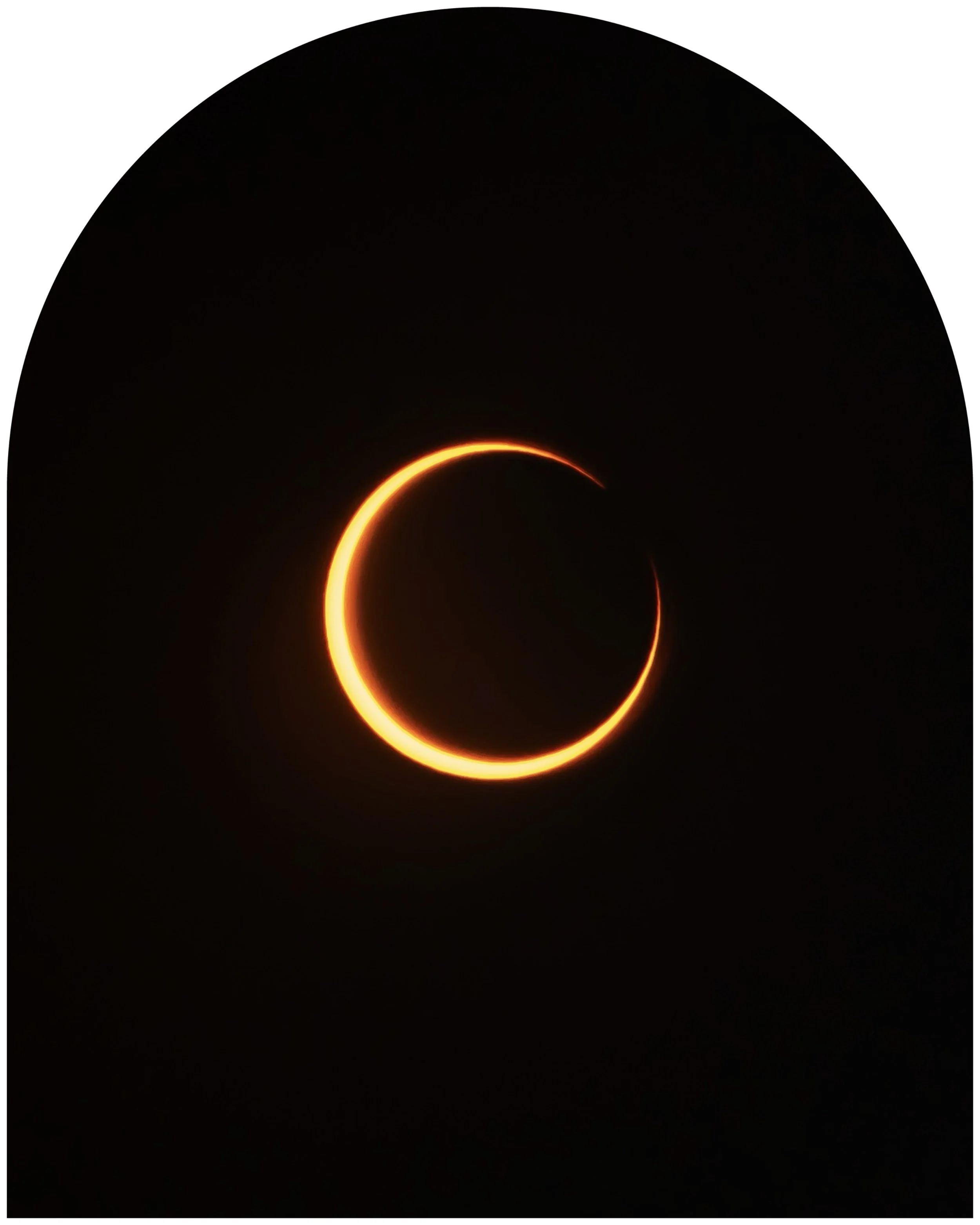
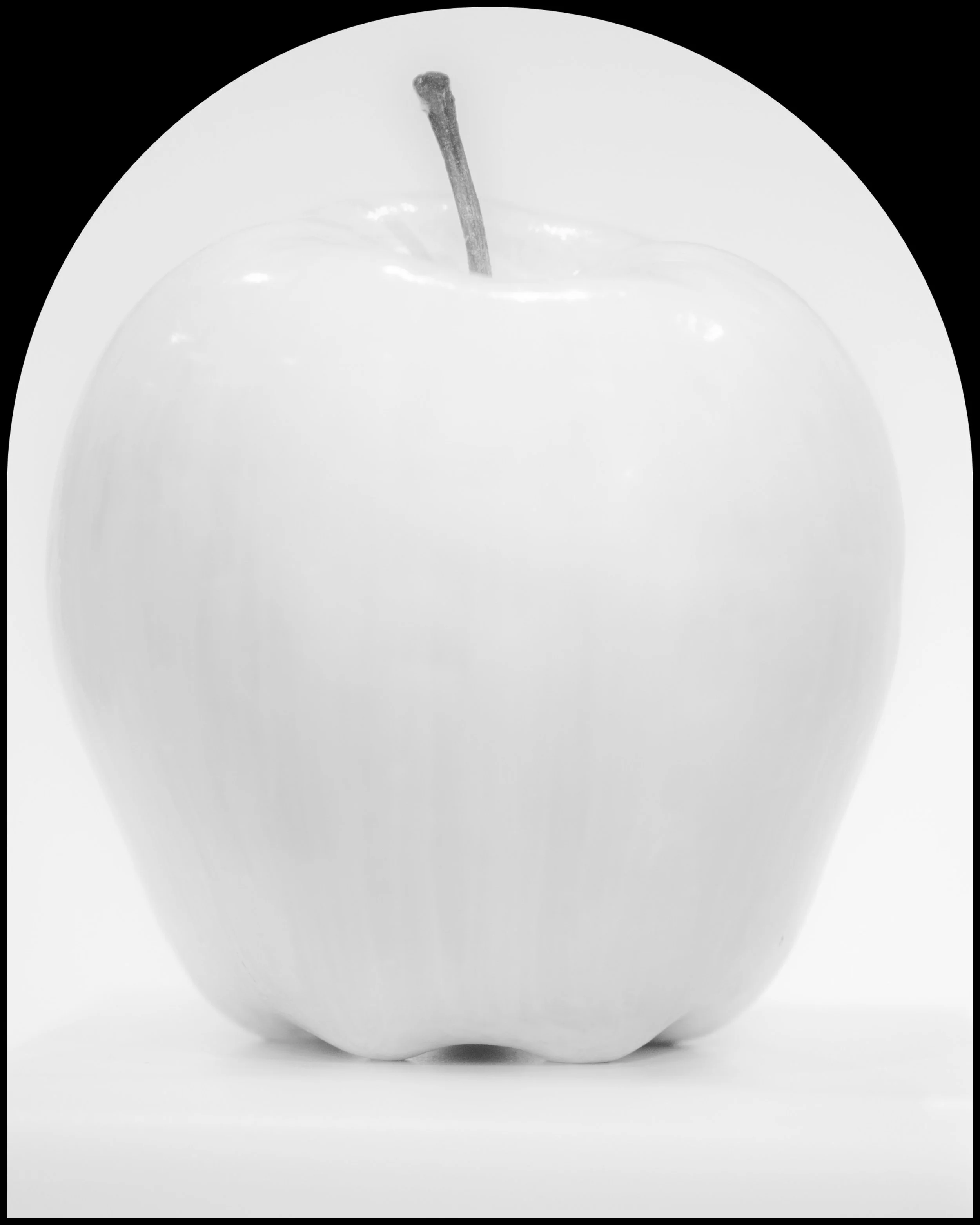
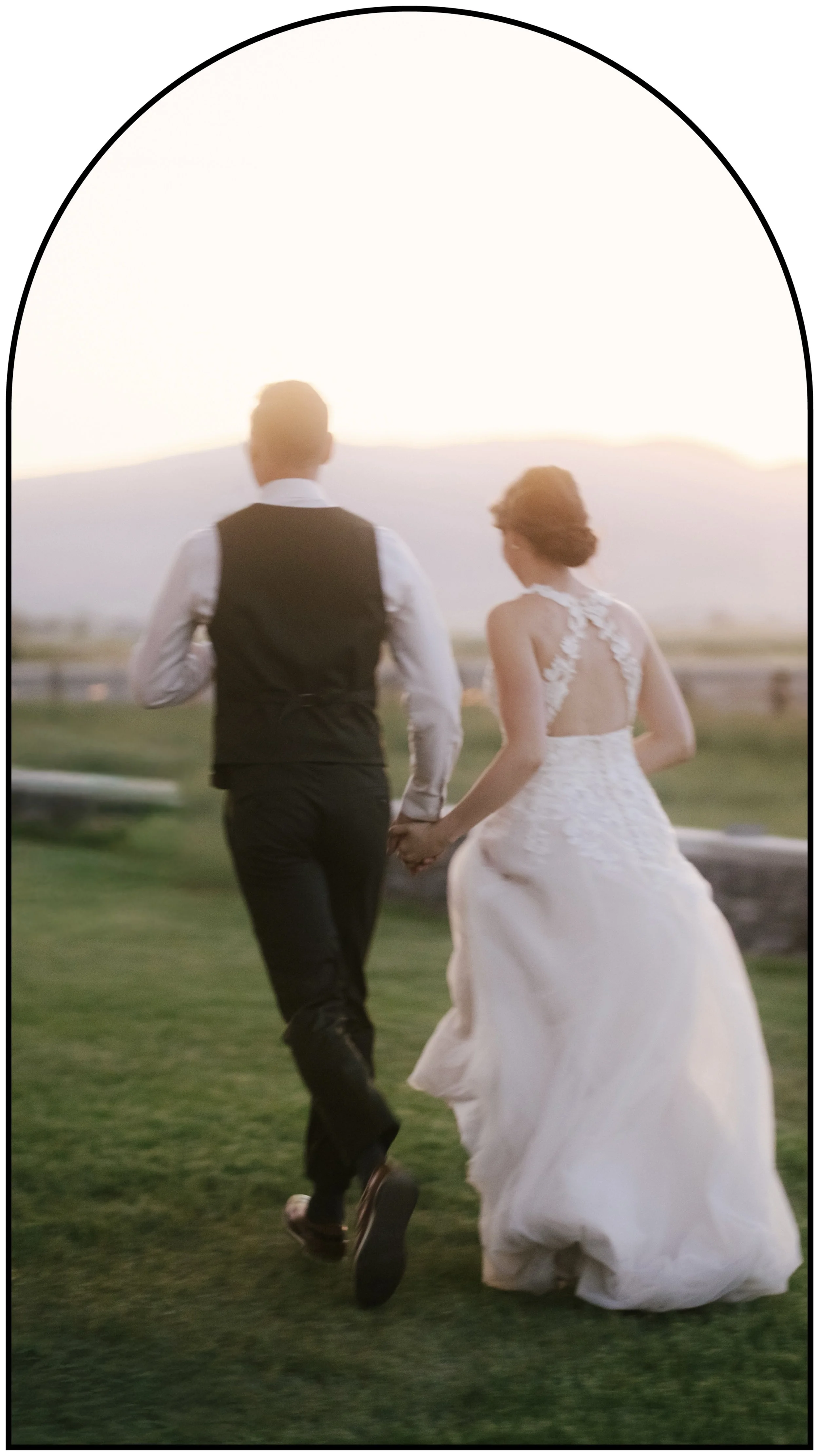
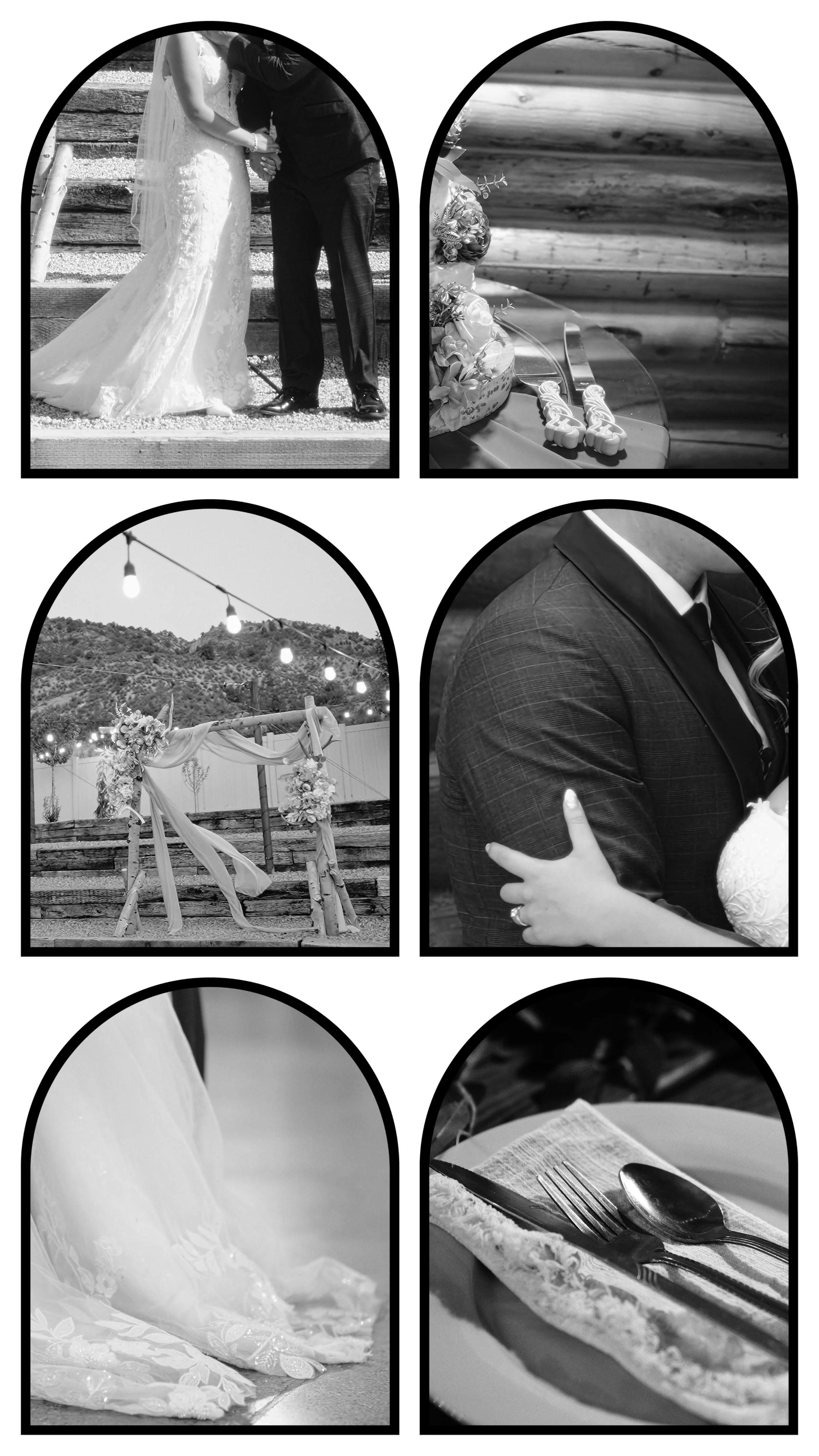
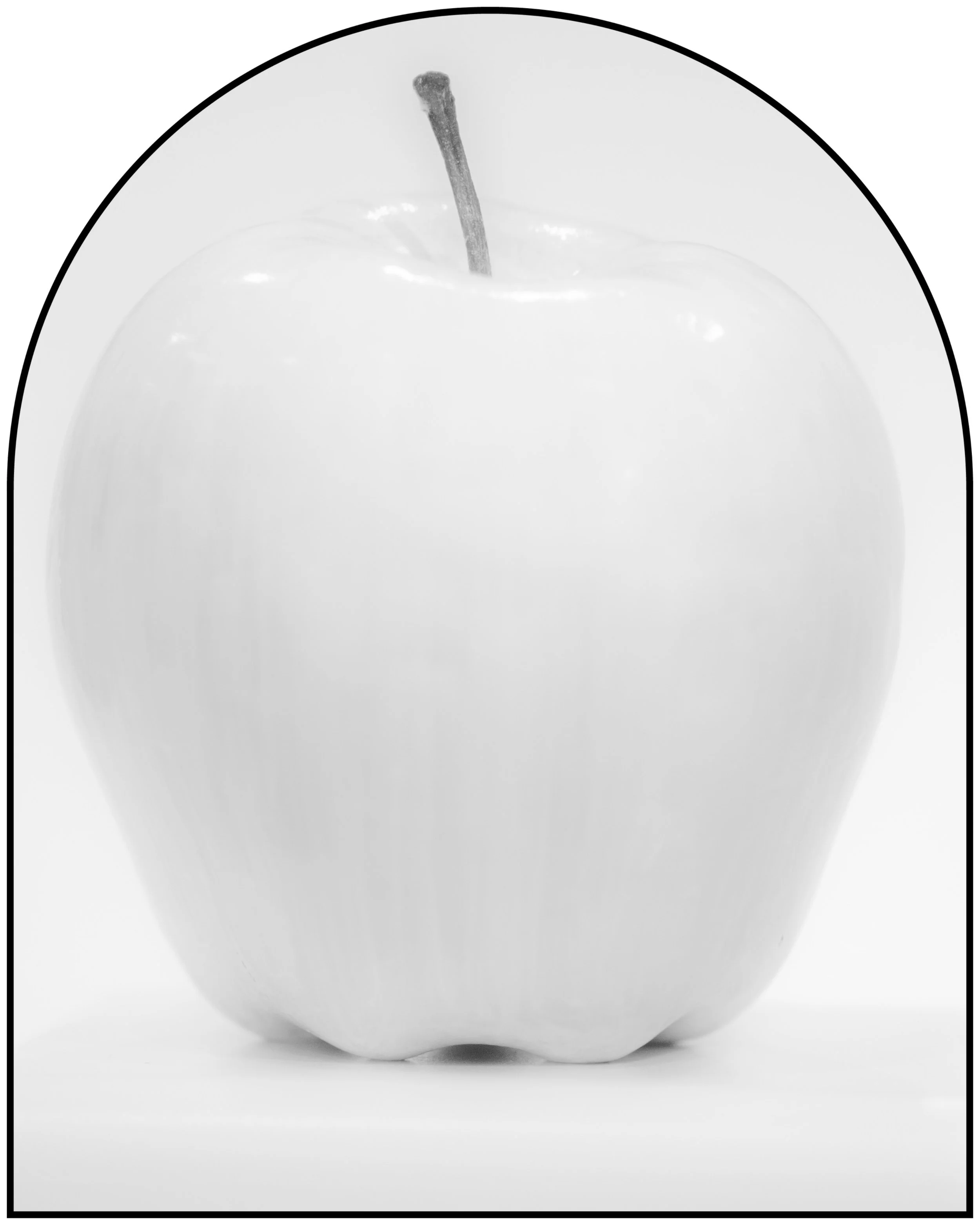
This frame set includes 48 total PNG frames, for mobile and desktop. Designed for use on both still images and video content. Arches - Single Photo and 6-Photo Grid
You’ll receive:
24 Mobile Version 96ppi Frames
24 Desktop/High-Resolution Version 300ppi Frames
A Dimension Guide for each type of frame
Includes files sized for vertical posts (9:16), portrait posts (4:5), and classic portrait posts (3:4).
Each post size includes:
Single (full-canvas) frames for one photo
Grid frames for six equal-sized photos arranged on the full canvas
Frames are available in four color variations:
White
Black
White with thin black border
Black with thin white border
How to use: Crop your photo or video to the recommended aspect ratio, and then place the PNG frame as the top layer in your editing app.
All frames are provided as transparent PNG files, making them easy to use in apps like Lightroom, Photoshop, Canva, Procreate, CapCut, Instagram Edits, Davinci Resolve, and similar editing tools.
Photos shown are for preview purposes only and are not included.
Quisque iaculis facilisis lacinia. Mauris euismod pellentesque tellus sit amet mollis.